Best Repricing Tools 2026
Expert comparisons of the industry's leading repricing software. Our reviews focus on speed, safety and ROI for Amazon FBA, Walmart and eBay sellers.



2026 Repricing Tools Comparison
Compare pricing engines, repricing speed, channel coverage, starting prices, and ideal use cases across all verified software.
| Tool | Repricing Engine | Speed / Triggers | Marketplaces | Starting Price | Best For | Review |
|---|---|---|---|---|---|---|
| Aura Maven AI Core | Machine Learning + Rules | Near-Instant (SP-API) | Amazon NA & Walmart | $47/mo | North American FBA Sellers | View Review → |
| BQool Conditional AI | AI + Dynamic Rules | Instant / 5-Min Intervals | Amazon US, EU & Japan | $25/mo | Global & Multi-Region Amazon | View Review → |
| SellerSnap Game Theory AI | Game Theory Predictive AI | Real-Time Continuous | Amazon Worldwide & Walmart | $250/mo | High-Volume Brands ($50k+/mo) | View Review → |
| Repricer.com Ultra-Fast Engine | Rules + Velocity Algorithms | Sub-Second / Real-Time | Amazon, eBay, Walmart, Shopify | $79/mo | Multi-Channel Speed Specialists | View Review → |
| Flashpricer Dual-Channel AI | Profit-Driven AI + Yo-Yo Defense | Instant Event-Driven | Amazon & Walmart | $50/mo | Dual Amazon + Walmart Merchants | View Review → |
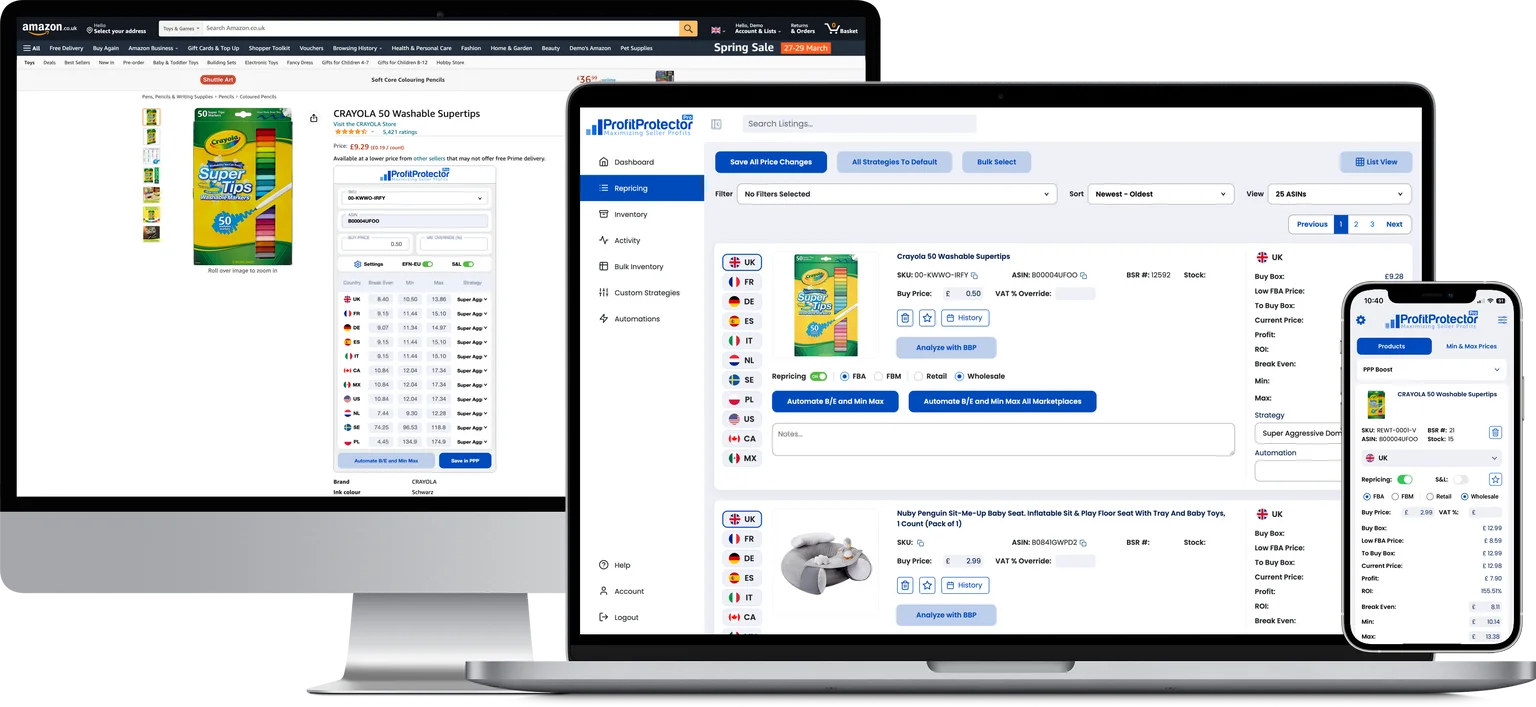
| Profit Protector Pro Profit Climbing | Algorithmic Profit Maximizer | Real-Time API Sync | Amazon US, UK & EU | $19.95/mo | Online & Retail Arbitrage | View Review → |
| Informed Repricer Unlimited Listings | Machine Learning + Custom Rules | Instant Repricing | Amazon, Walmart, eBay | $50/mo | Large SKU Multi-Marketplace Catalogs | View Review → |
| Alpha Repricer Budget AI | AI & Custom Algorithmic Rules | Continuous Instant | 23 Global Amazon Marketplaces | $29/mo | Budget-Conscious Global Sellers | View Review → |
| Feedvisor Enterprise Suite | Enterprise Neural AI & PPC Sync | Real-Time Dynamic | Amazon & Enterprise Portals | ~$100/mo+ | Enterprise 8-Figure Amazon Brands | View Review → |
| M2E Cloud Inventory + Repricing | Rule-Based Inventory Repricing | Periodic / Scheduled Sync | Amazon, eBay, Walmart | Free tier | Multi-Platform Small Businesses | View Review → |
Master Marketplace Pricing
Learn the mechanics of algorithm execution, avoiding price erosion, and capturing high-margin Buy Box share:
Protect Margins & Scale Ads
Repricing must pair with exact profit analytics and PPC bid adjustments to guarantee every repriced sale stays profitable:
Best-Of Guides
Not sure which repricer to choose? We compare every option.
Head-to-Head Comparisons
Trying to decide between two tools? We break down the differences.
What Is Repricing Software?
Repricing software automatically adjusts the prices of your marketplace listings in response to competitor pricing changes, inventory levels and market conditions. On Amazon, this matters because of the Buy Box — the purchase button on a listing page. When multiple sellers offer the same product, Amazon awards the Buy Box to one seller based on price, fulfilment method, seller metrics and availability. The seller with the Buy Box takes the vast majority of sales. A repricer maximises your time in the Buy Box by keeping your price competitive without requiring you to monitor every listing manually.
A well-configured repricer also raises your price when you're winning the Buy Box or when competitors go out of stock — capturing higher margins when competitive pressure drops. The goal is not to be the cheapest. The goal is to win the Buy Box at the highest viable price.
Rule-Based Repricing
Rule-based repricers follow logic you define. Examples: match the lowest FBA seller and go 1p below; raise price to maximum when you hold the Buy Box; never compete directly with Amazon. Rules give complete control and full transparency — you always know exactly what the repricer will do. The limitation is that rules can't adapt to patterns that humans don't anticipate.
AI Repricing
AI repricers use machine learning to build a model of each listing's competitive environment, then use that model to find a price range where you can win while maximising margin. Over time, as the AI collects more data, it narrows its range and becomes more precise. AI repricing reduces management overhead for large catalogues and can discover optimal prices that manual rules wouldn't find.
Conditional Repricing
Conditional repricing automatically switches which strategy applies to a listing based on inventory and fulfilment conditions. For example: apply an aggressive sell-through strategy when stock has been sitting for more than 60 days; switch to a profit-maximising strategy when your sell-through rate is strong. This makes repricing adaptive to business conditions without requiring manual changes per listing.
How to Choose the Right Repricer
1. Marketplace Coverage
If you sell on Amazon North America only, most repricers cover you. If you sell in Europe (UK, Germany, France, Italy, Spain), Japan, Mexico or on Walmart, your options narrow considerably. Confirm marketplace support before evaluating anything else — there is no point testing a tool that doesn't cover your markets.
2. AI vs Rule-Based Repricing
If you have a small, stable catalogue and want full transparency, rule-based may be all you need. If you have hundreds of SKUs or want the system to adapt without ongoing input, AI reduces management overhead significantly. Most established repricers offer both — the question is which mode is the default and how mature the AI actually is.
3. Listing Limits and Pricing Structure
Some repricers charge flat fees regardless of catalogue size. Others cap listings by tier, with AI-eligible listings often limited lower than rule-based ones. Some price by monthly revenue volume instead. Work out which model suits your catalogue size and sales volume before committing.
4. Minimum Price Controls
Every repricer lets you set a minimum price per listing — the floor below which it will never go. How this minimum is calculated matters: some accept a simple floor price, others let you set a minimum profit margin using COGS data. The latter is more robust for FBA sellers where fees vary by product dimensions and weight.
5. Onboarding Requirements
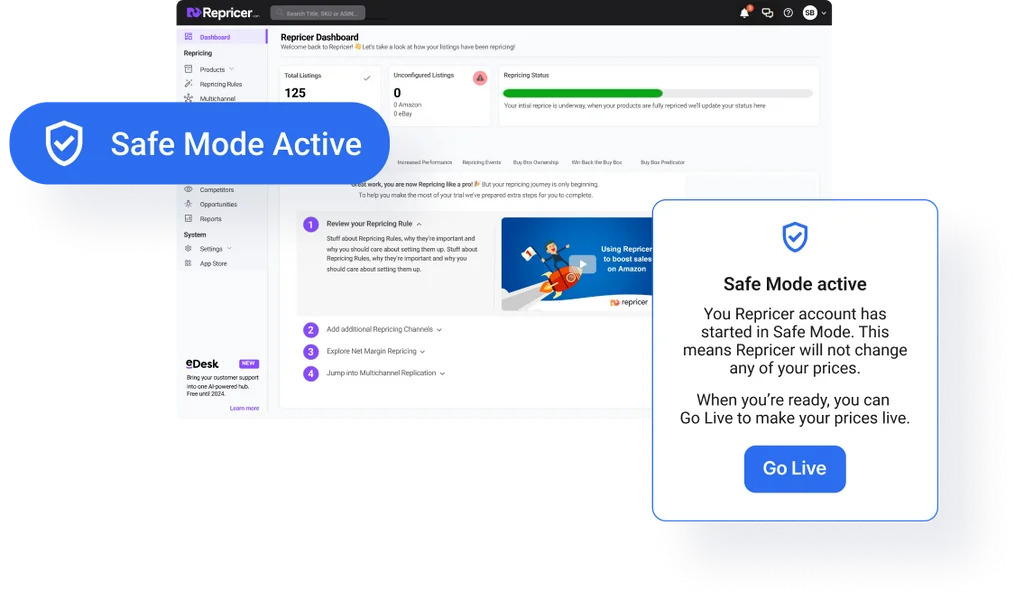
Some repricers require you to connect your Amazon Seller Central account via SP-API before you can see anything inside the product. Others let you explore the interface and set up strategies before going live. If evaluating multiple tools, the latter is significantly less friction — you can assess the UI and logic without committing your live account.
Repricer FAQ
Is repricing software allowed by Amazon?
Yes. Amazon explicitly permits automated repricing through their SP-API. It is used by millions of third-party sellers. What Amazon prohibits is price coordination between competing sellers — which is entirely separate from automated repricing.
Will a repricer race my prices to the bottom?
Only if minimum prices are set incorrectly. A repricer holds at your floor when the market drops below it and raises your price when you're winning or when competitors go out of stock. Many sellers report higher average selling prices after implementing a repricer, not lower.
Do I need a repricer with only a few products?
With fewer than 20 to 30 active listings with few Buy Box competitors, manual repricing may be manageable. Above that threshold — or in competitive categories where Buy Box changes happen dozens of times per day — a repricer typically pays for itself quickly in recovered Buy Box time and margin.
How quickly do repricers update prices?
The repricers we test all offer near-real-time repricing, acting as fast as Amazon's API allows — typically within seconds of a competitor change. Older or cheaper tools may batch updates on a schedule, which can cost you the Buy Box during high-traffic periods.
Can I try a repricer without an Amazon seller account?
You need an active Amazon selling account to reprice listings. Some tools — notably Aura — let you explore the full dashboard before connecting a marketplace, which makes evaluation easier. Others, like BQool, require an SP-API connection before accessing the interface at all.
What happens if my repricer goes down?
Your prices stop updating until the connection is restored — they don't revert to any default. Most repricers have high uptime SLAs and notify you of disconnections. Check the status page history of any tool you're considering before committing.
What is the difference between rule-based and AI repricing?
Rule-based repricing relies on rigid static parameters (such as beating the lowest price by 1 cent). AI repricing, such as that used by Aura and SellerSnap, uses predictive machine learning and game theory to analyze historical Buy Box patterns, competitor behavior, and demand elasticity to win sales at the highest possible margin rather than triggering a race to the bottom. Check our Best AI Repricer guide for a deep comparison.
How does automated repricing affect Amazon Buy Box share?
Automated repricing dynamically aligns your offer with Amazon's Buy Box algorithm in real time. Because the algorithm weighs price, seller rating, fulfillment speed (FBA vs FBM), and inventory depth, near-instant price adjustments maximize your Buy Box rotation percentage without sacrificing floor profit margins. Learn more in our guide on how to win the Amazon Buy Box and our breakdown of proven Amazon repricing strategies.
Can repricing tools handle multi-channel sales across Amazon, Walmart, and eBay?
Yes. Platforms like Repricer.com, M2E Cloud, Flashpricer, and Informed Repricer support synchronized cross-channel pricing across Amazon, Walmart, and eBay, protecting against Walmart price-parity delisting while optimizing multi-platform profit margins. See our Best Multi-Channel Repricer review.